


Latest Work
Tags
Role
Participant/Product Designer
Status
Done
Timeline
Q1 2024
Product or Platform
Suarise
It never crossed my mind, to be honest
Until one moment that I keep thinking about it
I always take a specific Transjakarta bus, number 9C, every Wednesday or Thursday when I go to Gelora Bung Karno for a run or jog. There is always a group of sightless people also on the bus. Three of five drop off at the right stop by luck and the two left miss their stop because the bus stop announcement not working properly. They try to ask people nearby no one answer. Maybe hesitate or simply do not care. Many thought appear in my head while saw it from far back of the bus.
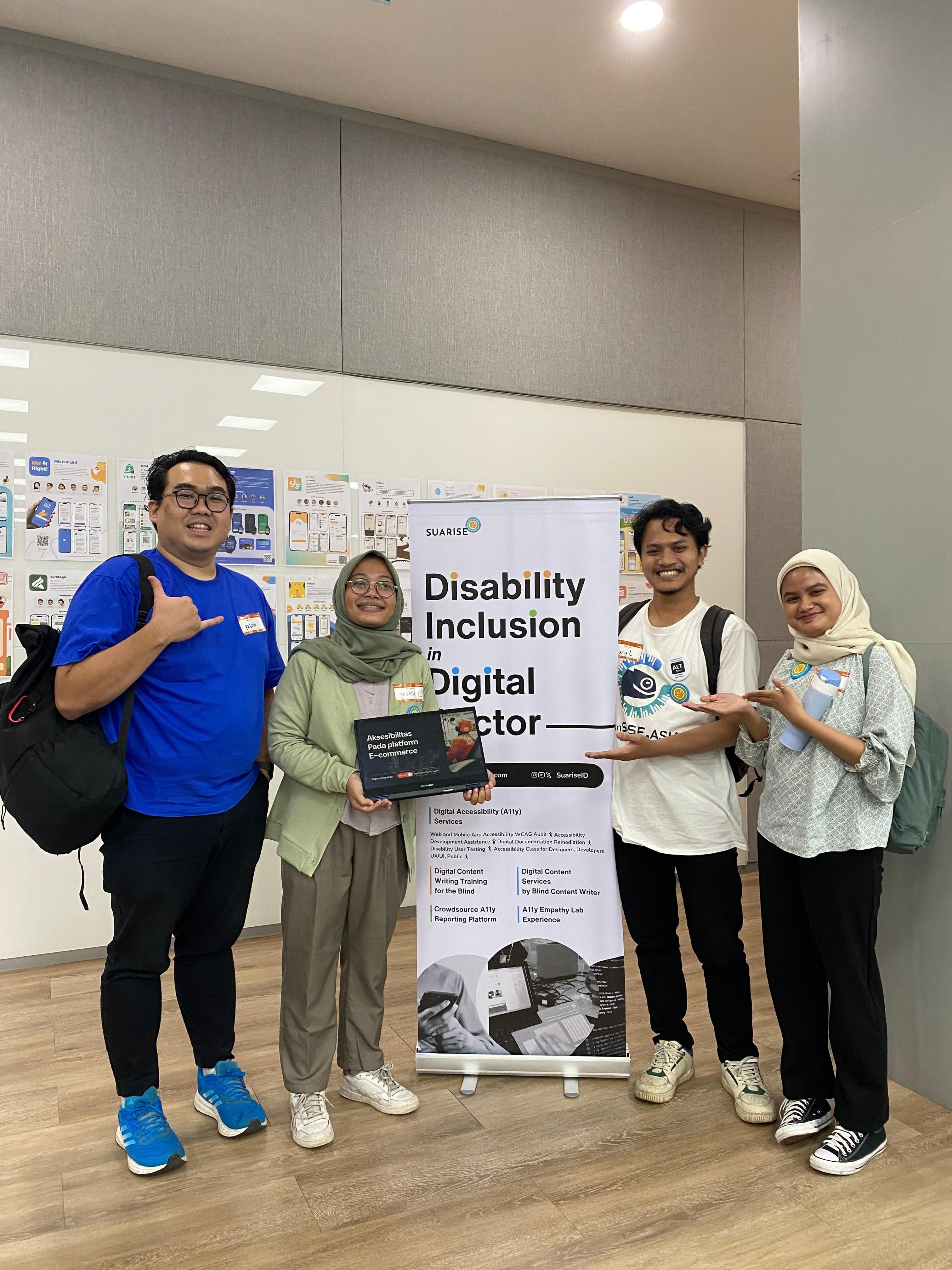
Long story short, I saw a post about Accessibility bootcamp by Suarise, It's really trigger me to join to know more about digital accessibility. My hope is to understand disability pain point and what can I help them.
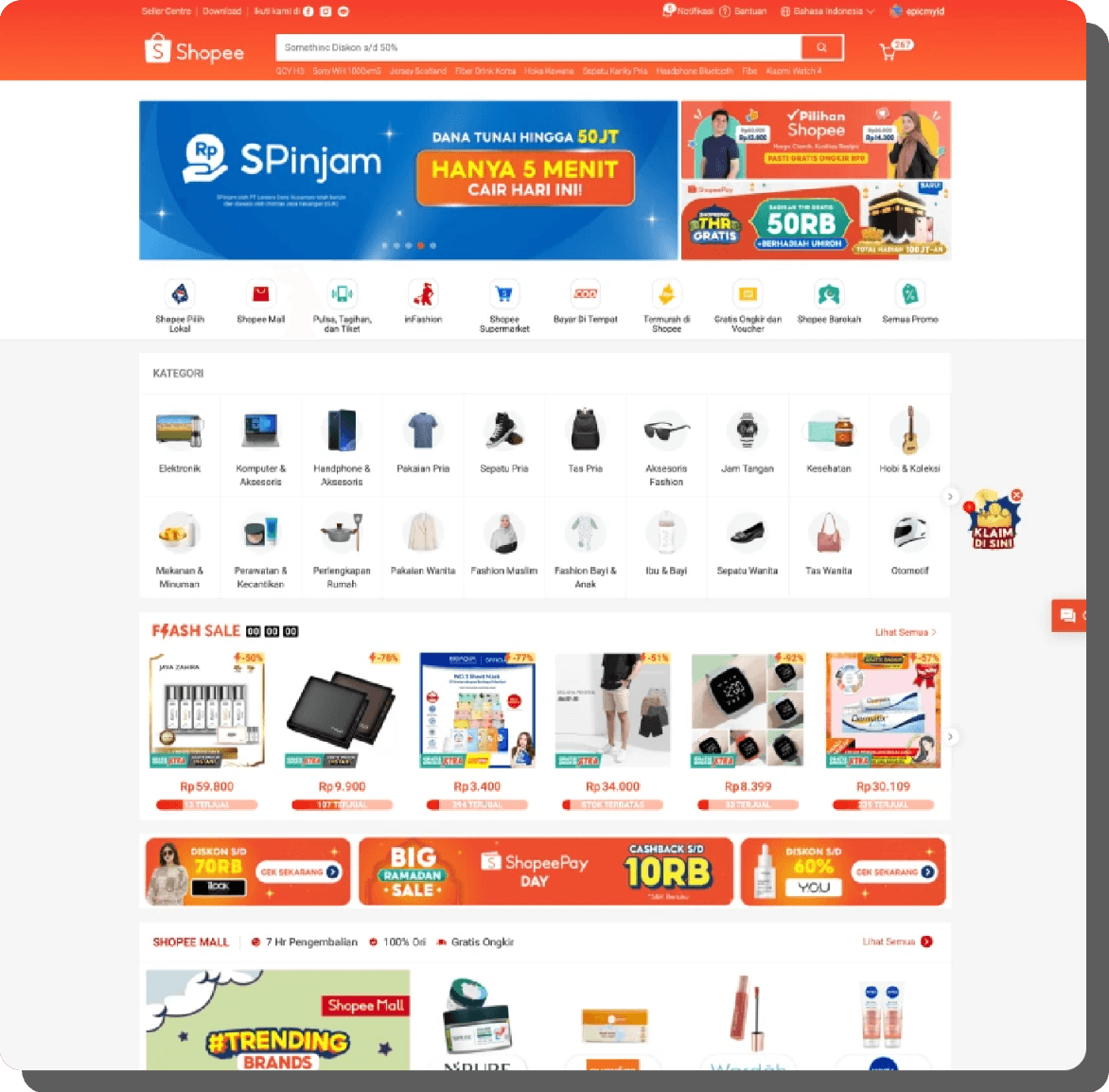
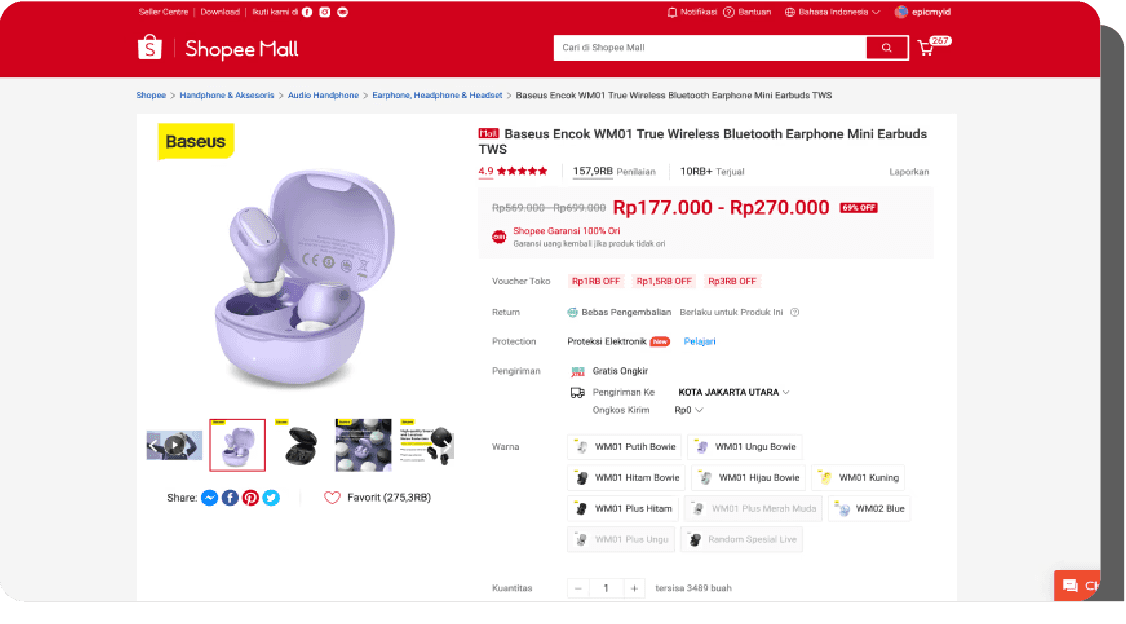
We conducted an Accessibility Audit and Refined Shopee’s Product Detail Page: Process & Before-After Comparison
Expectations of what will be done in this final assignment
Our group, which included a researcher, a developer, and two designers, collaborated to improve Shopee's product detail page's accessibility. In order to get important insights into the behaviors and difficulties faced by those with visual impairments when using digital products, we teamed with a responder who was visually impaired. Their input was very helpful to us in improving the product's usability, especially for those who use screen readers. The project started on March 18, 2024, and ran for two weeks.
The processes
1. Audit
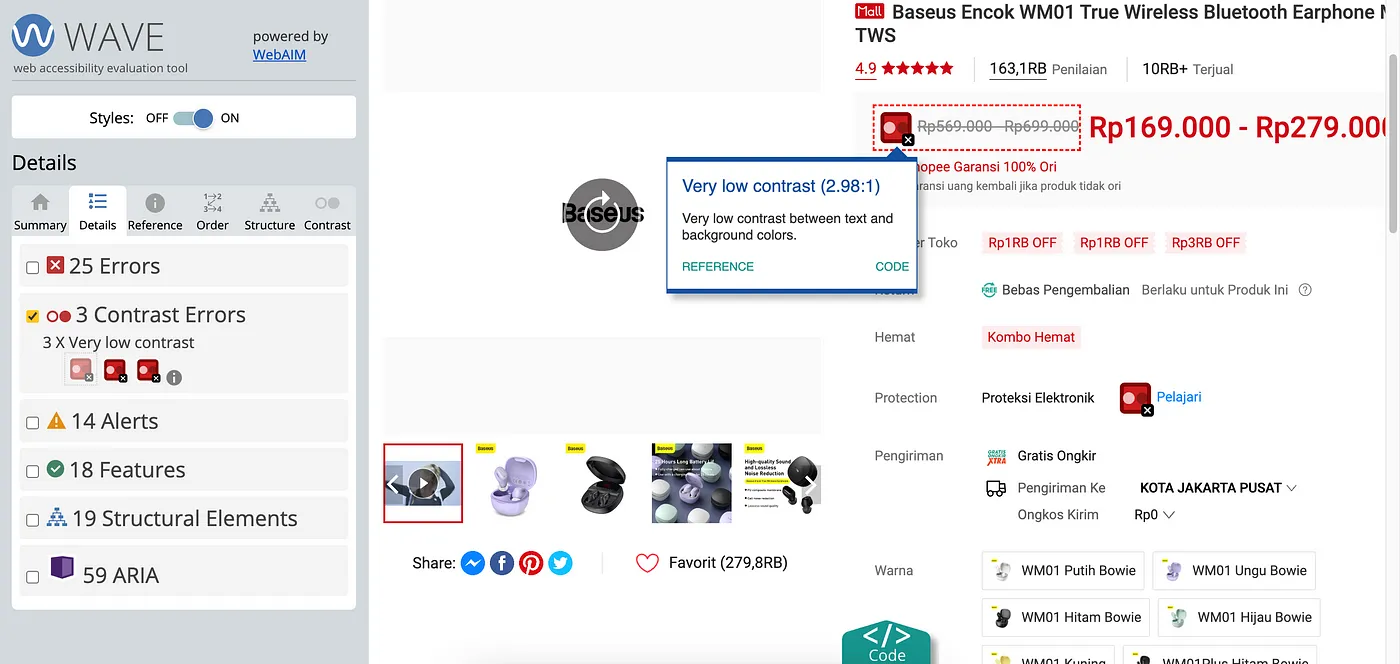
Tools:
We also conducted a manual assessment using keyboard navigation and a screen reader.
Throughout the audit process, we also referred to other e-commerce platforms, such as eBay and Etsy, that have proper accessibility guidelines in their development processes, which allowed us to identify best practices for keyboard and screen reader navigation.

Audit findings
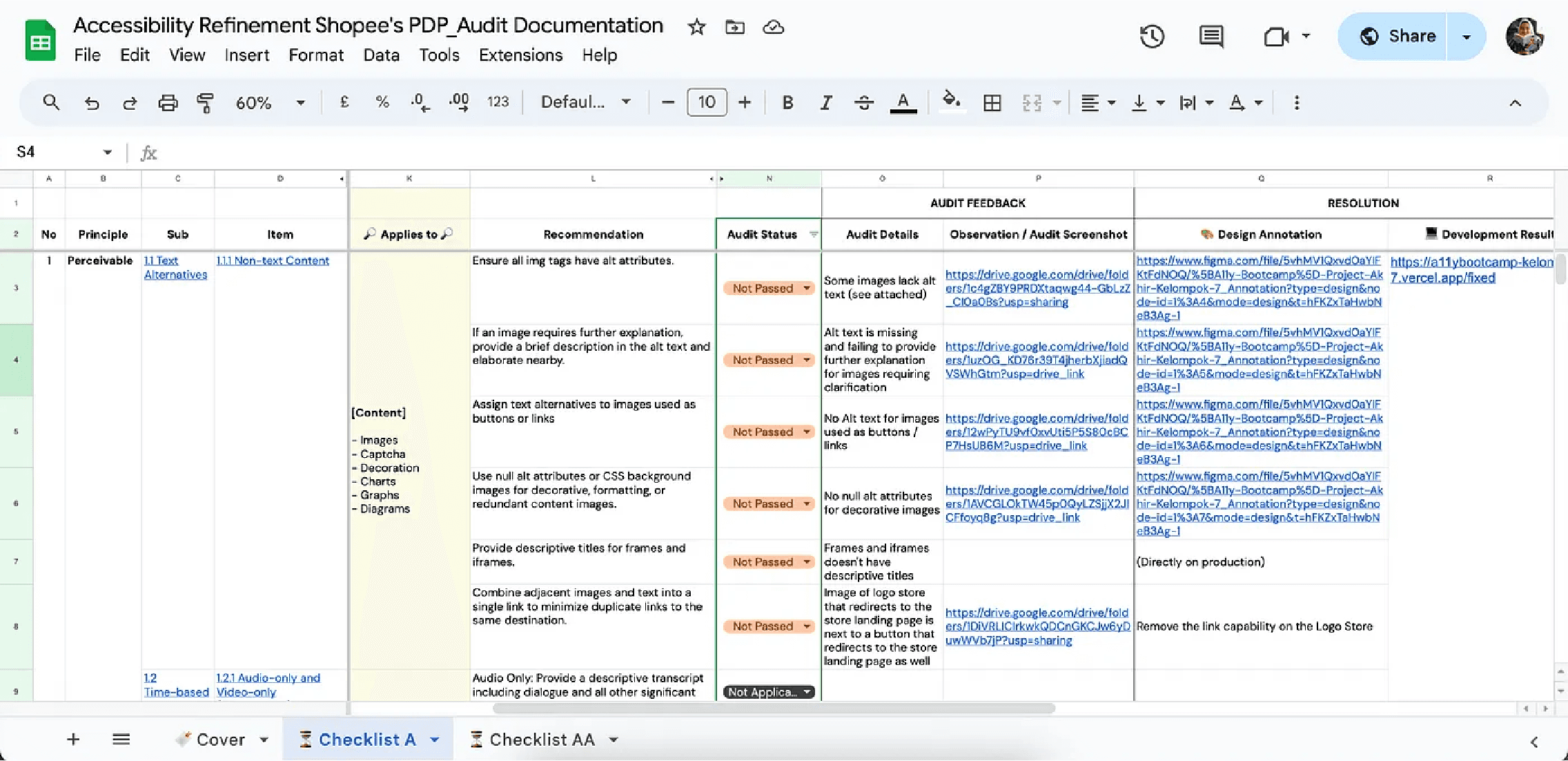
Out of the 55 WCAG 2.2 level A to AA criteria, Shopee’s PDP fell short, with 16 criteria not met, 21 criteria met, and 18 criteria marked as not applicable. You can access our full audit documentation for more context.
The preview of our audit documentation
2. Usability Testing
We conducted an online usability testing session with our partner respondent, a 31-year-old social worker in the government’s social services of DKI Jakarta, who frequently accesses e-commerce platforms. He regularly uses Tokopedia, Bukalapak, Alfagift, Myhartono, and Mitra10 and rarely uses Shopee. He has been utilizing a screen reader for 12 years since 2011.

An example of our design annotation specifies each section's heading type and title in Shopee’s PDP
Key insights gathered from our respondent during the UT included:
Unreadable Elements: Several elements couldn't be read by the screen reader, leading to user confusion. For instance, there's no clear indication when a variant is selected, and the difference between the crossed-out original price and the discount price isn't explained. (View refinement here)
Missing ALT Text: We noticed many decorative elements lacked ALT Text, making users repeatedly question their purpose.(View refinement here)
Reading Sequence Issues: The reading order needs improvement to help users find information more easily. For example, when navigating product details, it's crucial for the screen reader to read the product name, price, and variant information before showing photos and videos, which are often inaccessible.(View refinement here)
Language Inconsistencies: There were inconsistencies in language use, such as English appearing on pages set to Indonesian. Screen readers are typically configured for one language at a time, and mixed languages can lead to mispronunciation and incorrect reading. (View refinement here)
Additional Observations from Our Partner Respondent:
Users often use headings to quickly find main information on the site.
Product images are rarely viewed because they’re often inaccessible.
Users frequently use the Find shortcut (CTRL + F) on desktop websites to quickly locate specific features. If the exact keyword isn’t found, they look for similar words. Therefore, using familiar and widely understood terminology is key for user efficiency.ent
3. Annotation
After completing the audit and analyzing insights from usability testing (UT), we proceed to revise the design. Our revisions mainly involve adding notes like alt text, semantic markup and structure, ARIA attributes, etc. These annotations address elements that the current developer may have missed due to the lack of specific instructions in the design documentation. We use the tool Stark for these annotations.
Click here to view our design annotation documentation.
We added annotations for each recommendation that failed the audit on individual Figma pages. Each Figma page is named in the format: [Cell number] — Recommendation text. We then linked each Figma page to the corresponding design annotation row in the Audit Documentation sheet.
By providing detailed annotations, we ensure that accessibility features are integrated into the design, regardless of a developer's awareness or expertise. These annotations offer clear guidance and context, ensuring that accessibility considerations like proper heading structures, interactive behaviors, and alternative text for images are accurately implemented.
4. Code Implementation
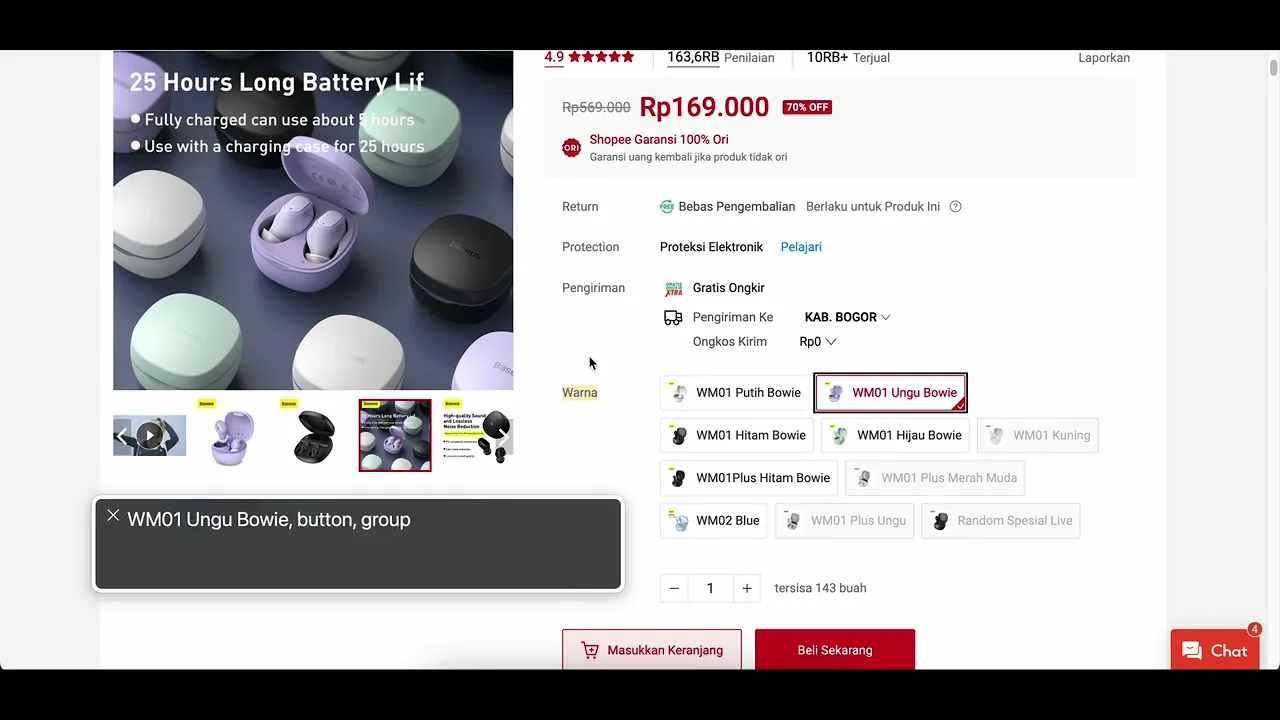
Elements unreadable by the screen reader
Before:
There was no indication when a variant was selected or not.
After:
A “selected” label was added for the chosen variant, along with additional information indicating the price. This allows users to immediately know when the price changes as they select different variants.
In addition to Code Implementation, we also standardize the language in UX writing so that all use Indonesian and are no longer mixed with English. We also pay attention to Function to add or remove functions to work according to user expectations. (such as fixing keyboard traps).
To see more Code Implementation please visit the full version of this article.
Post Implementation
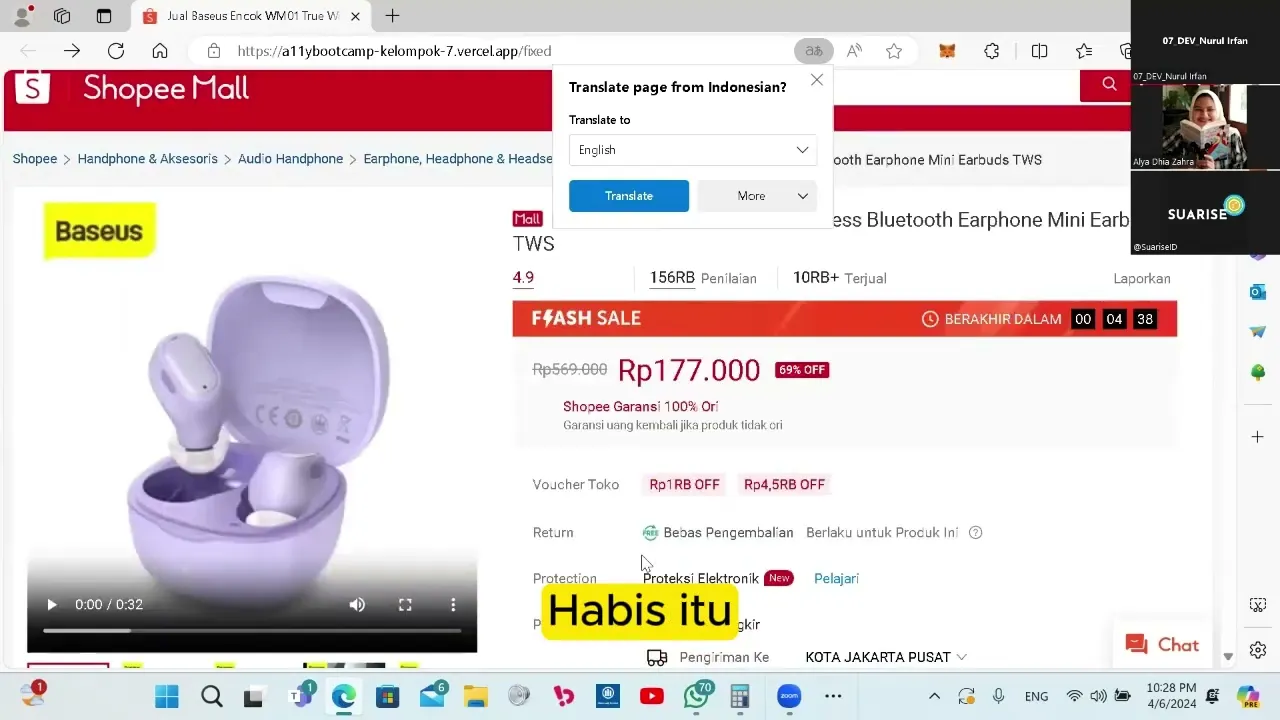
After we implemented it, we showed it again to our participants. From here I think we got the idea about what he felt. We can make better experiences and inclusivity.
FINDINGS, REFLECTIONS & CONCLUSIONS
Accessibility Challenges and Importance in Indonesia
Disabled users are often overlooked, particularly in sectors like e-commerce, where accessibility barriers can prevent access to essential services.
Benefits of Implementing Accessibility #1
Innovative Solutions: Accessibility features often lead to innovative solutions that address unanticipated challenges.
Benefits of Implementing Accessibility #2
Brand Reputation: Demonstrating a commitment to diversity and inclusion through accessibility initiatives strengthens brand reputation and resonates positively with customers.
Benefits of Implementing Accessibility #3
Market Expansion: By catering to the needs of over 1 billion people with disabilities globally, businesses can tap into a vast market with significant spending power.
Improving accessibility enhances the online experience for all users.